Investor Document Portal
Document Download and Review
(Not for signature)

Property Development Plan
WTC ABQ Equity Partners, LLC
Release Pending Final Approval

Individual
WTC ABQ Equity Partners, LLC
Sample Subscription Agreement
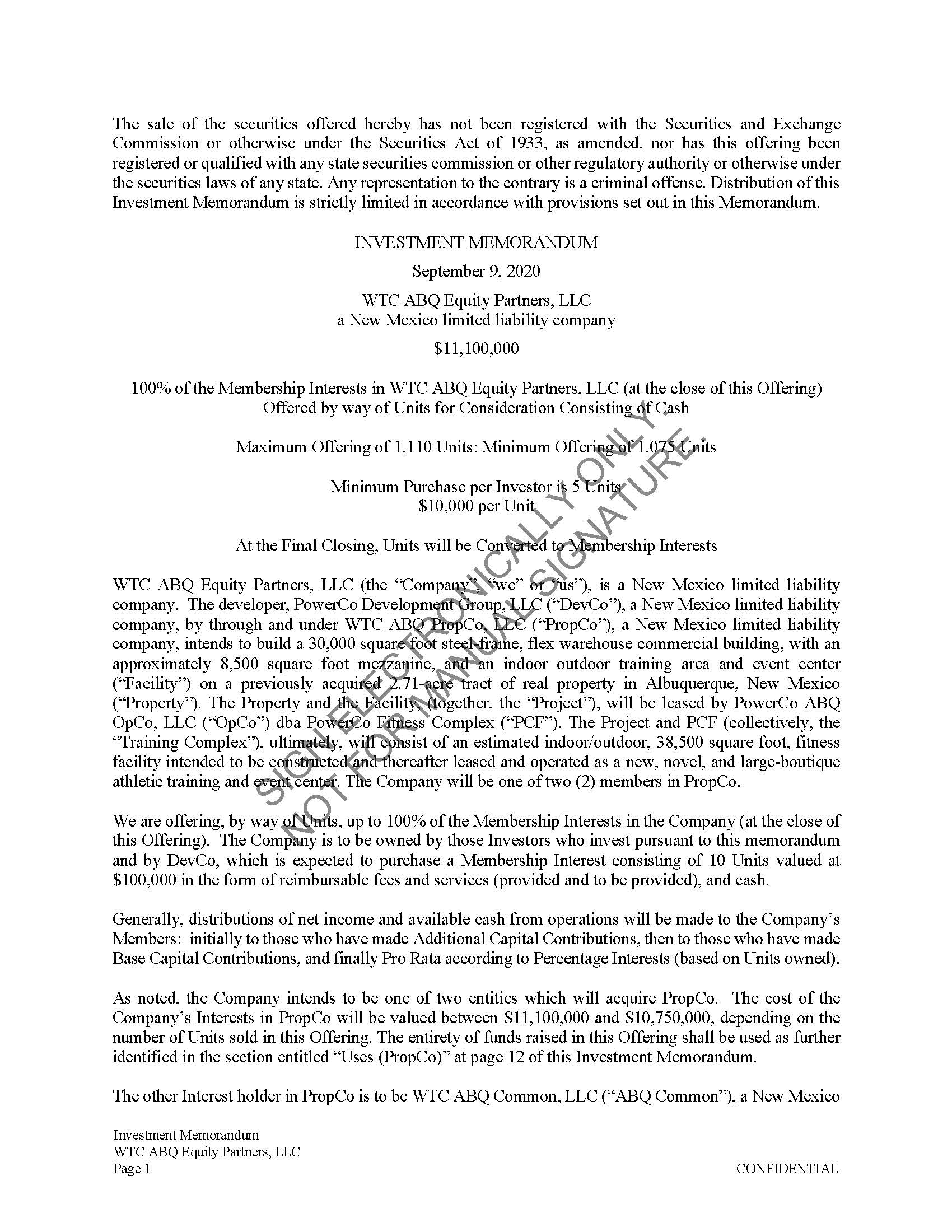
Private Placement Memorandum
WTC ABQ Equity Partners, LLC
Release Pending Final Approval

Entity
WTC ABQ Equity Partners, LLC
Sample Subscription Agreement
Operating Agreement
WTC ABQ Equity Partners, LLC
Release Pending Final Approval

Community Property
WTC ABQ Equity Partners, LLC
Sample Subscription Agreement
Execution Documents
(Adobe Sign: Electronic Signature Only)Individual
Subscription Agreement
WTC ABQ Equity Partners, LLC
Entity
Subscription Agreement
WTC ABQ Equity Partners, LLC
Community Property
Subscription Agreement
WTC ABQ Equity Partners, LLC
Need some help or immediate questions answered? Click here to call us!
Review and Electronic Signature Process
Document Review and Signature Process
PDF download links are available for review by you and your advisors. Please read these documents carefully. When you and/or your advisors are ready to complete the subscription process, we request that you execute the document online using Adobe’s secure electronic signature process.
- Review the Property Development Plan (available for download and review only).
- Review the Private Placement Memorandum (available for download and review only).
- Review the WTC ABQ Equity Partners Operating Agreement (available for download and review only).
- Review the Subscription Agreement (available for review: Individual, Entity or Community Property).
When ready to subscribe, select the cloud icon for your investment vehicle. A new tab will take you to the Adobe Sign Cloud for the Individual and Entity signature documents. Once there, you can electronically sign the Subscription Agreement (Individual or Entity) which includes:
a. Subscription Agreement and signature page
b. Exhibit D – WTC ABQ Equity Partners Operating Agreement signature page
c. Form W-9
d. Wire transfer instructions
The Community Property icon takes you to a form page where you can request that a Community Property form is generated and emailed to both prospective owners.
After each document is counter-signed, you will receive a fully executed copy by email.
If you have any questions about the Project Document Portal, the document preparation process or the documents, please contact one of our executives and he or she will be happy to work with you.
Thank you and we look forward to building an exciting new Project with you!
Sincerely,
PowerCo Development Group, LLC